Introduction: What Is a Human-Machine Interface?
An operator glances at a screen on a punch press. The press is ready. A fault message appears, so the operator reads it, clears the cause, acknowledges the fault, and changes the operating mode to resume.
That exchange is a human-machine interface (HMI) at work. An HMI is the interface that lets a person send information to a machine and receive information back from it. In industrial settings, the term usually points to the operator terminal or screen on production equipment.
NIST defines it as the hardware or software through which an operator interacts with a controller. This article covers how HMIs work, common types, their role in manufacturing and metal stamping, and how they differ from PLCs, GUIs, UIs, and SCADA.
Key Takeaways
- An HMI turns machine data and operator commands into one usable interaction point.
- It shows status, alarms, trends, and diagnostics; a separate controller usually runs the logic.
- Hardware ranges from pushbuttons to touchscreens, industrial PCs, web, and mobile devices.
- A good industrial HMI balances usability, durability, cybersecurity, and safety.
What Is a Human-Machine Interface (HMI)?
An HMI is the communication layer between a person and a machine, process, or device. The term covers physical controls and digital displays, though industrial usage often means a screen or operator terminal.
Two-Way Interaction
Communication runs in both directions:
- Operator to machine: commands, setpoints, selections, acknowledgements
- Machine to operator: status, measurements, warnings, alarms, feedback
HMI Versus the Control System
An HMI typically presents information and passes commands to a PLC, drive, or other controller. It does not usually determine the whole process sequence on its own.
A microwave keypad and a vehicle dashboard are everyday HMIs. So is a punch press control panel, or a touchscreen showing a machine's running state and fault condition.
Why Quality Matters
Clear information helps operators spot abnormal conditions sooner and gives maintenance a starting point for troubleshooting. In a NOVA Chemicals simulator study, operators using redesigned displays finished tasks in 10.6 minutes versus 18.1 and detected early events 47.7% of the time versus 10.0%.
That was a process simulation, not a stamping benchmark. An EPRI utility study found no significant time difference in some scenarios. Good design helps, but it isn't a guaranteed percentage.
How Does an HMI Work?
The Basic Signal Path
- The operator selects a command on the HMI.
- The HMI sends a value or request over a communication network.
- The controller evaluates its logic.
- Field devices respond, and their feedback returns to the display.
Sensors report conditions. The controller applies control decisions. Actuators move the machine. The HMI makes the relevant data understandable.

A Stamping Example
On a press, an operator might view press status, choose an authorized operating mode, acknowledge a fault, or check production counts. The press control manages the machine sequence the whole time.
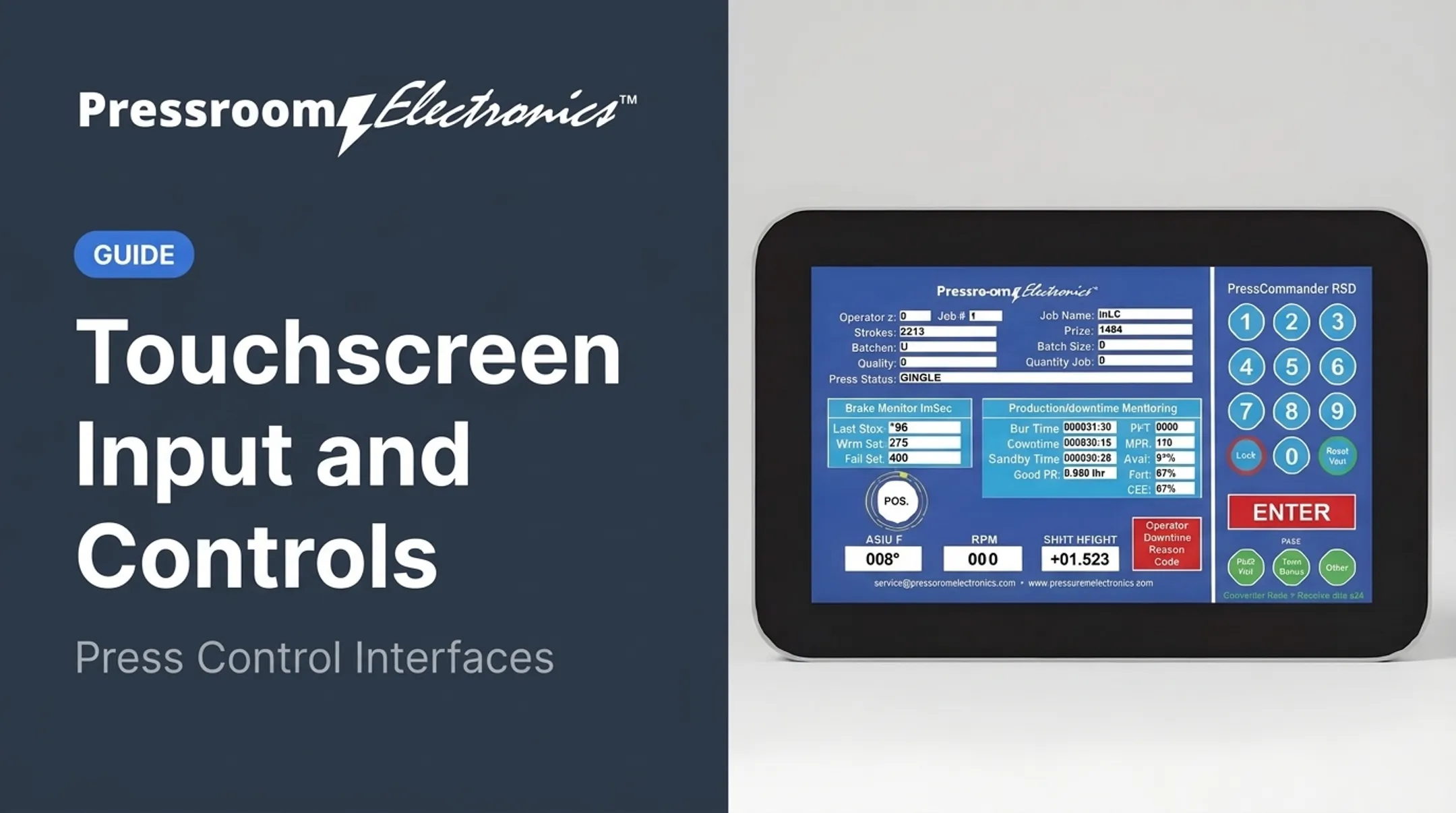
On Pressroom Electronics' PressCam 8, for instance, an 8-inch LCD shows shaft angle, speed, and four counters (strokes, parts, batch, quality). System faults appear as plain-English messages. A turn-and-push knob replaces a keypad, and a keyswitch separates RUN from PROG mode, so parameter changes require a password.
Common HMI Functions
- Real-time monitoring
- Authorized mode commands
- Setpoint and parameter entry
- Alarm display and acknowledgment
- Trend viewing
- Job or recipe selection
- Production tracking and basic diagnostics
Technical Considerations
Reliable communication depends on tags (data points), compatible protocols, update rates, user permissions, backups, and network security. In Siemens' WinCC Unified, for example, HMI tags link to PLC tags, and a configurable acquisition cycle sets how often values refresh. No universal refresh rate exists.
Security matters as well. CISA's guidance calls for multifactor authentication on remotely accessible OT and HMIs where available, plus offline backups and recovery testing at least annually.
Types and Components of an HMI
An HMI pairs operator-facing hardware with a software application that connects to the machine controller.
Hardware usually includes:
- Displays and touch sensors
- Pushbuttons, selector switches, and indicator lights
Software usually includes:
- Screens, alarm objects, and data visualization
- Communication drivers for controller links
Pushbutton Replacers and Basic Panels
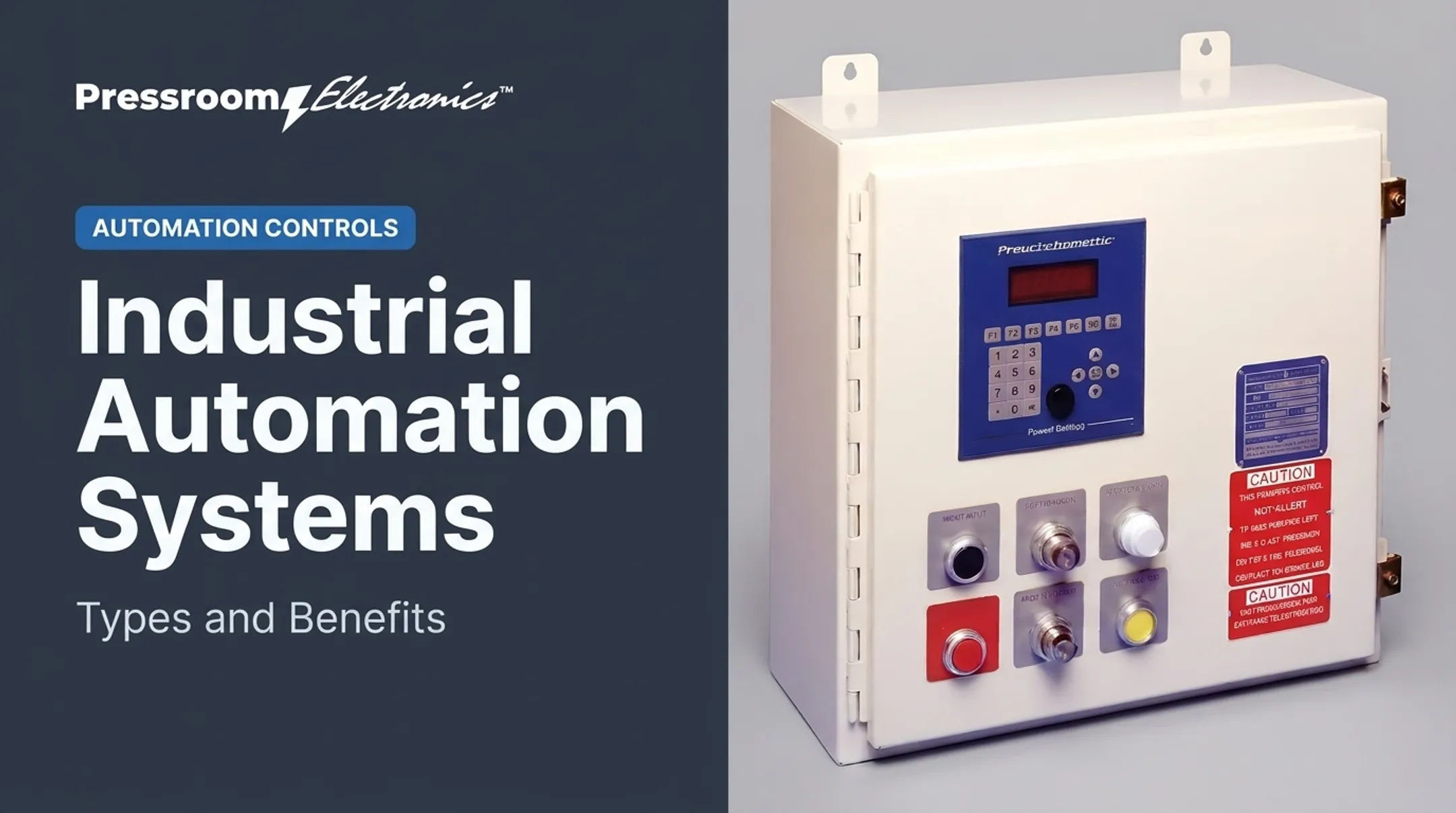
Basic panels consolidate buttons, switches, and lights into a compact interface. They suit simple machines, retrofits, and jobs that need straightforward status and command access. Some small panels add touchscreen pushbuttons plus a few physical function keys with programmable LEDs.
Panel-Mounted Touchscreens
Panel-mounted units install in a control cabinet or machine enclosure. They support configurable screens, alarm pages, trends, and prompts. Before you buy, verify:
- Ingress rating: NEMA Type 4 covers windblown dust, rain, and hose-directed water; Type 4X adds corrosion protection. IP65 means dust-tight and protected against water jets.
- Mounting qualifiers: Ratings can differ by surface. One Siemens panel is IP65 at the front but IP20 at the rear.
- Gloves: That Siemens guidance notes gloves thinner than 2 mm are detected in most cases, so test yours on the unit you specify.
- Vibration and temperature: Confirm the ratings match your location.
NEMA notes that IP classifications cannot be exactly equated with NEMA Type numbers.
PC-Based, Thin-Client, Web, and Mobile HMIs
Beyond dedicated panels, PC-based, thin-client, web, and mobile HMIs support wider visualization, remote access, and multi-machine views. The tradeoff is more infrastructure: software, servers, network design, access controls, and cybersecurity.

A Selection Framework
Work through these questions:
- What machine functions must it cover?
- How many users, and with what permissions?
- What are the environmental conditions?
- Is the screen visible from the operator's position?
- Do operators need physical buttons?
- Is it compatible with the existing PLC or controller?
- How does it fit the safety architecture?
- What data and remote access are needed?
- Who supports it, and for how long?
How Are HMIs Used in Manufacturing and Metal Stamping?
In manufacturing, an HMI typically shows:
- Machine state, cycle counts, and alarms
- Setup parameters and job selection
- Performance data and maintenance prompts
One centralized screen replaces a row of disconnected indicators and manual checks.
On Mechanical Punch Presses
An operator interface may present press readiness, operating mode, fault messages, brake status, die-protection status, and production counts. These come from the connected control and monitoring equipment, so verify which functions your system actually supports.
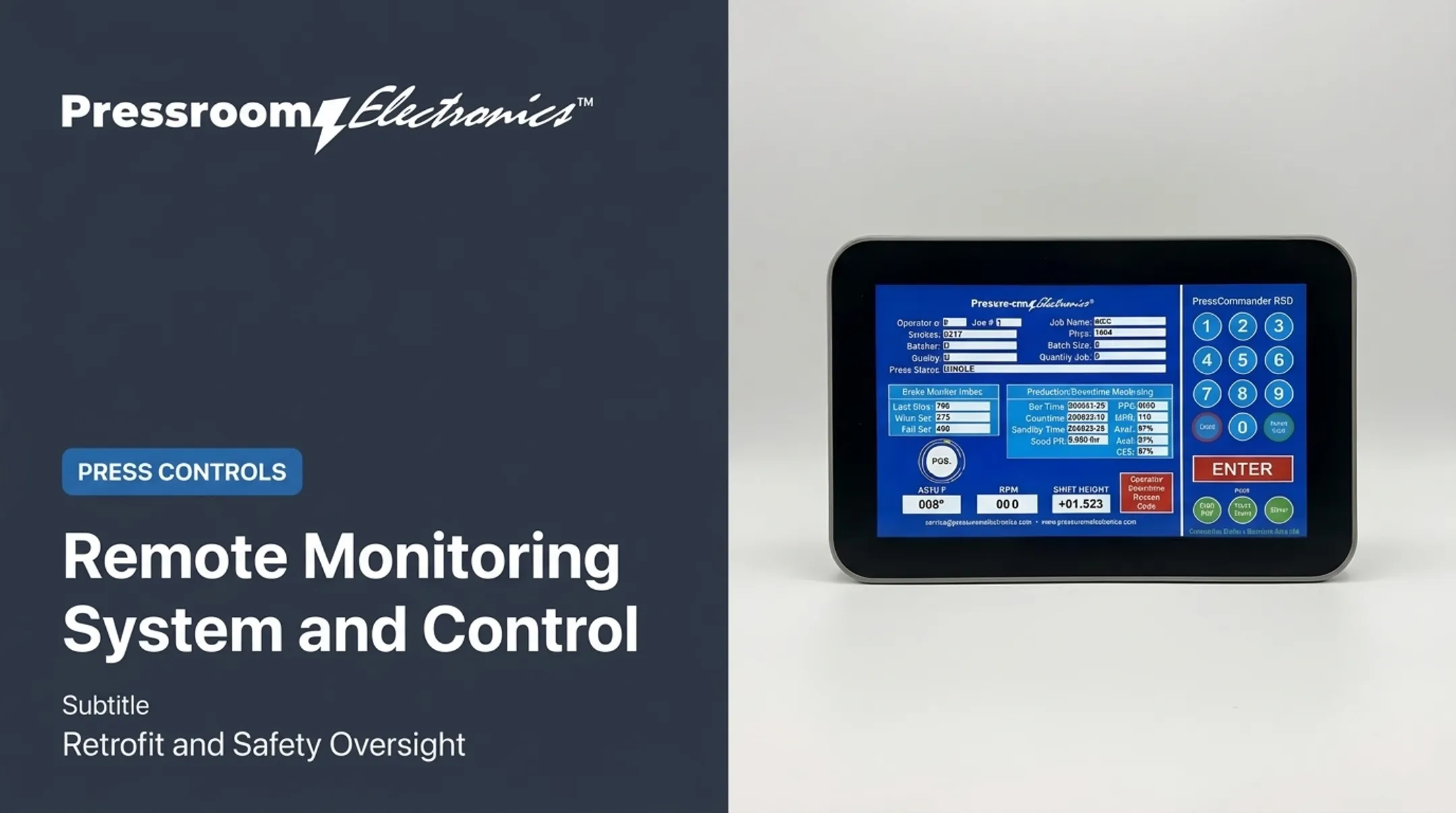
PressCommander, for example, offers:
- Off, Inch, Single, and Continuous modes
- 100 stored jobs
- Brake monitor fields for Last Stop, Warn Set, and Fail Set
A Safety Clarification
An HMI can display safety status or guide a response. It should not replace emergency-stop circuits, guarding, light curtains, two-hand controls, interlocks, or other safety-rated devices.
OSHA's 29 CFR 1910.217 governs mechanical power presses. It covers:
- Stop controls and point-of-operation guarding
- Two-hand controls and presence sensing
- Brake monitoring where required
It excludes hydraulic and pneumatic presses and press brakes. ANSI B11.1-2009 (R2020) is a voluntary standard for mechanical power presses. Confirm which requirements apply to your press with a qualified safety professional.
Production Monitoring and Reason Codes
Monitoring screens turn stoppages into data. PressCommander's touchscreen supports 20 programmable downtime codes, entered by touch or machine signal. Its monitoring screen reports:
- Run time and downtime
- Availability, performance, and OEE
Teams can use that data to investigate stoppages and compare performance.
Reported results are system-level, not HMI-only. One Georgia fabricator using Wintriss monitoring reported a 10% shop-floor productivity increase with payback under three months. That covered mixed equipment, not stamping alone.

Pressroom Electronics and the Wider Control Picture
Pressroom Electronics provides integrated pressroom controls, automation, brake monitoring, die protection, guarding, and production monitoring. If you're evaluating a press upgrade, review the control, monitoring, and safety functions together rather than treating the screen as an isolated part.
HMI Compared With GUI, UI, PLC, and SCADA
HMI vs. UI and GUI
UI is the broad term for any user interface. GUI is a visual interface built from windows, icons, menus, and buttons. HMI describes the human-to-machine context. An HMI may use a GUI, but not every GUI is an industrial HMI.
HMI vs. PLC
A PLC typically executes programmed logic and handles inputs and outputs. The HMI presents selected information and takes operator input. Some products combine both, such as all-in-one PLC/HMI units, so check the architecture rather than trusting the label.
HMI vs. SCADA
A machine-level HMI serves one machine or process. SCADA is a broader supervisory system that collects, visualizes, and alarms on data from multiple controllers, machines, or sites. An HMI can be a component of SCADA.
Frequently Asked Questions
What is a human-machine interface (HMI)?
It's the interaction point between a person and a machine. Operators send commands and setpoints; the machine returns status, alarms, and feedback.
What are the different types of human-machine interfaces?
Common types include physical control panels, pushbutton replacers, panel-mounted touchscreens, PC-based HMIs, web HMIs, and mobile interfaces.
What are examples of human-machine interfaces (HMI)?
Examples include punch press control panels, packaging line touchscreens, water treatment system displays, vehicle dashboards, and microwave keypads.
How does an HMI differ from a GUI or UI?
UI is the broad category, and GUI is its visual form. HMI refers to the machine-interaction application or context.
Is an HMI the same as SCADA?
No. An HMI serves a single machine, while SCADA supervises and collects data across many systems. The two can work together.
Can an HMI work without a PLC?
It needs some device to supply data and run control logic. That could be a drive, embedded controller, industrial PC, or an integrated HMI-controller. Some integrated HMI-controllers, for example, can adjust drive parameters directly over Ethernet.